Feature Walkthrough & Setup Guides
Step-by-step practical guides to automate operations, eliminate staff theft, and multiply sales for Nigerian businesses.
How to Connect Your Business WhatsApp to the 24/7 AI Receptionist
Automate customer replies, price checks, booking slots, and food orders in two seconds day and night without lifting a finger.
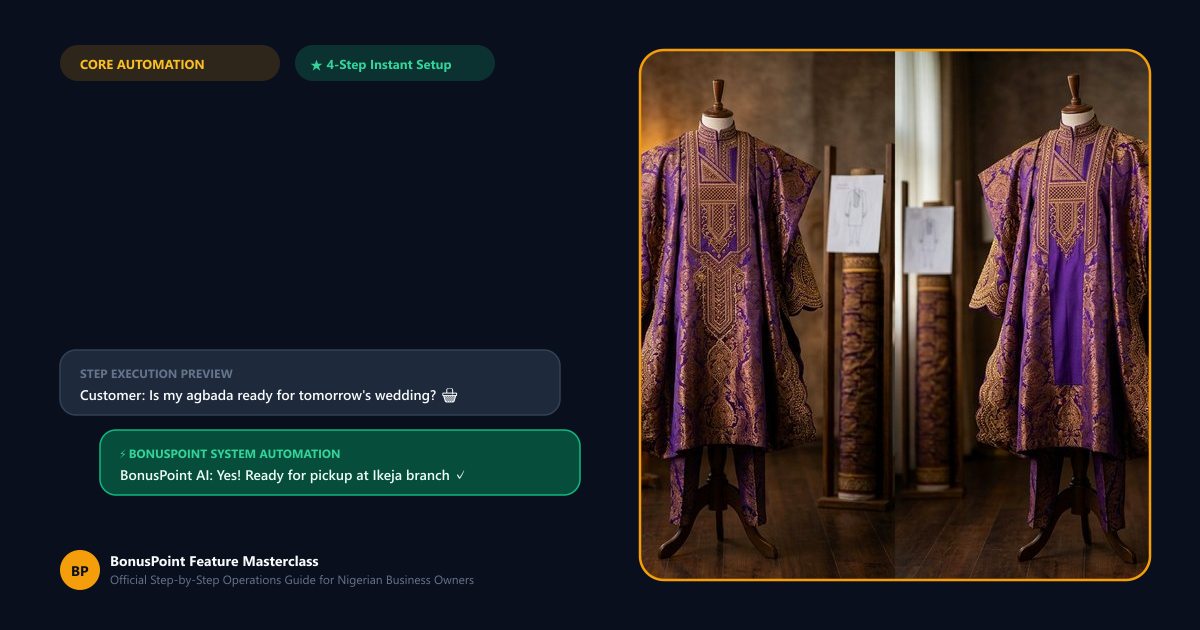
How to Use This Feature in 4 Simple Steps
Layman FriendlyStep 1: Sign Up, Select Business Account & Claim Free Token
Visit bonuspoint.online/sign_up, enter your name and email, and choose Business Account. On the verification screen, generate your free starter token to activate your platform credits with zero upfront fee. Then navigate to bonuspoint.online/yourbusinessid/ai-receptionist to open your dedicated workspace.
Step 2: Connect Your Business WhatsApp Number
Click on Connect and scan the QR code to pair your business WhatsApp in 30 seconds. You can use your existing WhatsApp Business number without losing any chats or contacts.
Step 3: Enter Your Price List, Services, and Working Hours
Type your standard services, prices, menu items, or turnaround times into the clean knowledge box. Speak in plain English as if training a new shop assistant.
Step 4: Test from Your Phone and Turn On Live
Send a test WhatsApp message from another phone. Watch the AI answer in two seconds, calculate order totals, and record customer details directly to your dashboard.
Why Nigerian Business Owners Need This
- ✓Zero missed calls or unread WhatsApp messages during busy peak hours
- ✓Takes orders and appointment bookings 24 hours a day while you sleep
- ✓Saves staff from repeating prices and shop directions fifty times a day
- ✓Gives your Nigerian shop an instant, polished corporate reputation
Ready to Turn This On for Your Business?
Open your account or let Muhammad from Bonus Point set it up for you today.