Feature Walkthrough & Setup Guides
Step-by-step practical guides to automate operations, eliminate staff theft, and multiply sales for Nigerian businesses.
How to Automate Appointment Bookings & Order Taking on WhatsApp
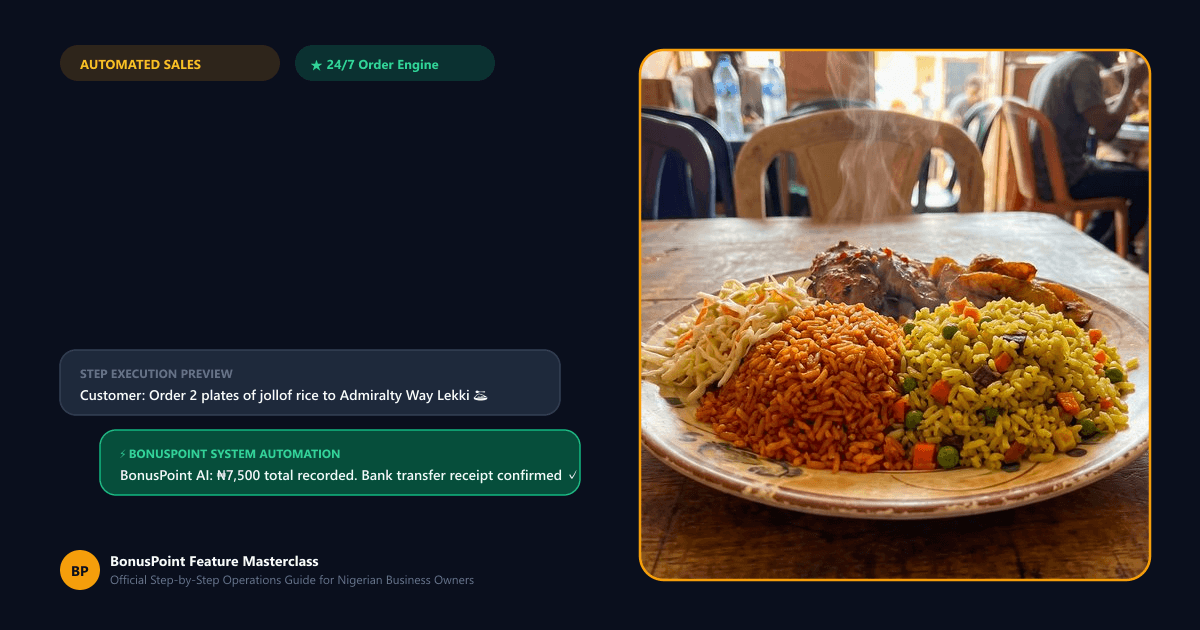
Allow the AI to calculate order totals, check calendar booking slots, collect delivery addresses, and notify you on WhatsApp instantly.
How to Use This Feature in 4 Simple Steps
Layman FriendlyStep 1: Sign Up, Claim Free Token & Open Order Settings
Sign up at bonuspoint.online/sign_up with a Business Account, claim your free token, and navigate to bonuspoint.online/yourbusinessid/ai-receptionist. Select the 'Order & Booking Rules' tab.
Step 2: Choose Your Business Booking Workflow
Select your business type: e.g. Salon appointment slots, Restaurant food delivery totals, or Laundry pickup schedules.
Step 3: Configure Deposit Requirements & Bank Details
Set whether appointments require a non-refundable booking deposit (e.g. ₦5,000 for bridal makeup) or full advance bank transfer.
Step 4: Enable Automated WhatsApp Order Receipts
Every confirmed booking triggers an instant WhatsApp summary sent to the customer and copies your sales management team.
Why Nigerian Business Owners Need This
- ✓Collects full orders with item flavors, sizes, and delivery addresses automatically
- ✓Locks in appointments with zero back-and-forth scheduling confusion
- ✓Sends instant confirmation tickets to both you and the customer
- ✓Ensures zero sales are lost when you are busy attending to shop walk-ins
Ready to Turn This On for Your Business?
Open your account or let Muhammad from Bonus Point set it up for you today.